
25 PPM vs 35 PPM vs 50 PPM: How Fast Should Your Office Copier Be?
Confused about copier speed (PPM)? Compare 25 PPM, 35 PPM, and 50 PPM photocopiers. Learn how monthly print volume and peak hours dictate the right machine speed.
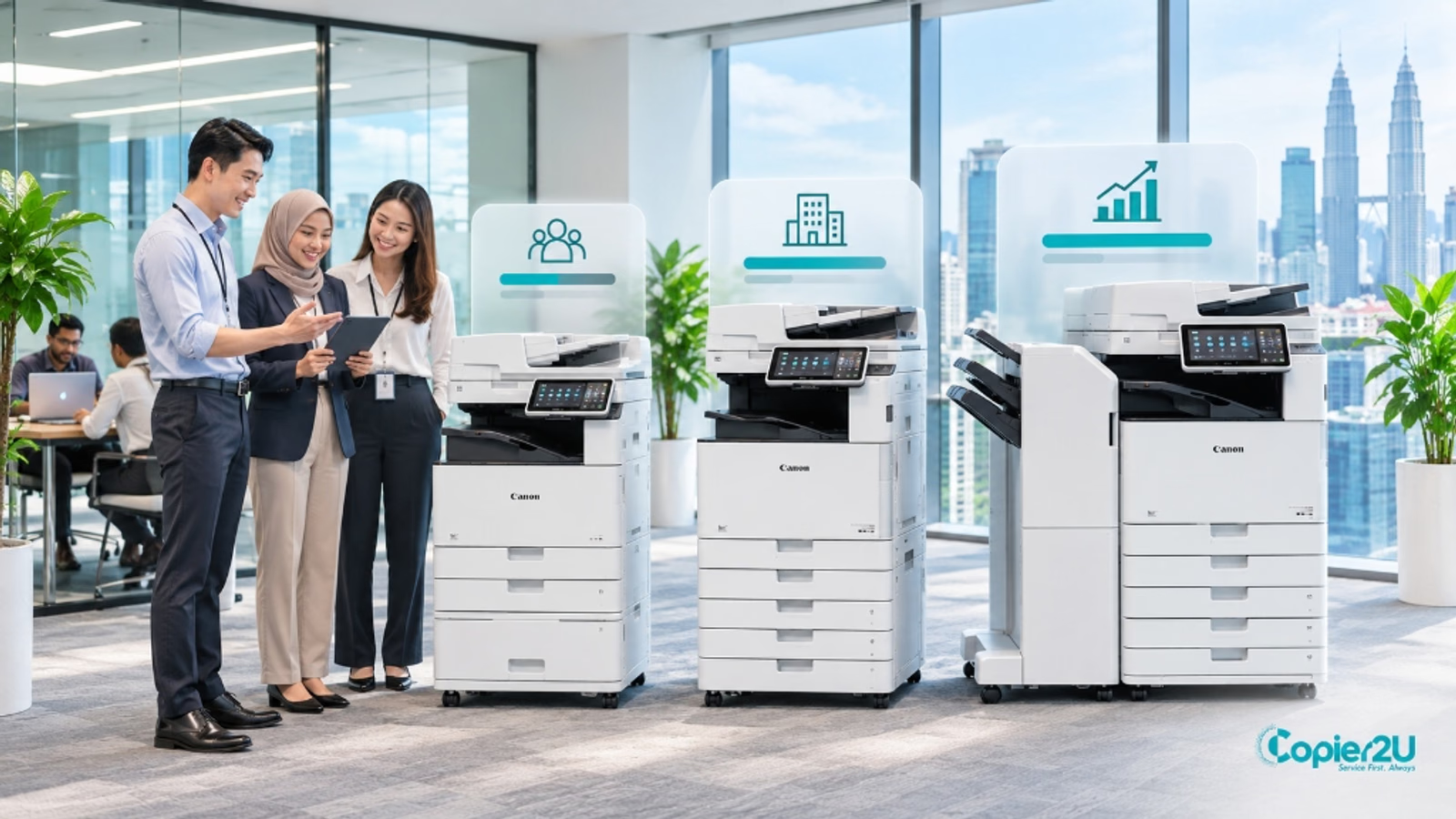
Copier speed is measured in Pages Per Minute (PPM). For most Malaysian businesses: (1) A 20–25 PPM copier is ideal for small teams of 1 to 10 users printing under 3,000 pages monthly; (2) A 30–35 PPM copier represents the ideal sweet spot for 10 to 25 users printing between 3,000 and 8,000 pages monthly with frequent concurrent jobs; and (3) A 45–55+ PPM machine is necessary for departments with 25+ users, high-volume logistics dispatch, schools, or legal practices printing over 10,000 pages monthly.
First Page Out Time (FPOT) vs. Continuous PPM
When evaluating copier speed, businesses must distinguish between Pages Per Minute (PPM) and First Page Out Time (FPOT). PPM measures continuous engine output once the machine has warmed up and started feeding paper.
FPOT measures how long the machine takes from the moment you click 'Print' on your computer until the first sheet lands in the output tray. For typical 25 PPM, 35 PPM, and 50 PPM commercial copiers, FPOT is virtually identical—typically between 5.5 and 7.5 seconds.
This means that if your staff primarily print 1-to-2 page letters, purchase orders, or customer receipts, a 50 PPM copier will not feel noticeably faster than a 25 PPM machine. However, when printing 40-page audit binders or 100-page training handbooks, the speed difference is dramatic.
Don't Overlook Document Feeder (Scan) Speed
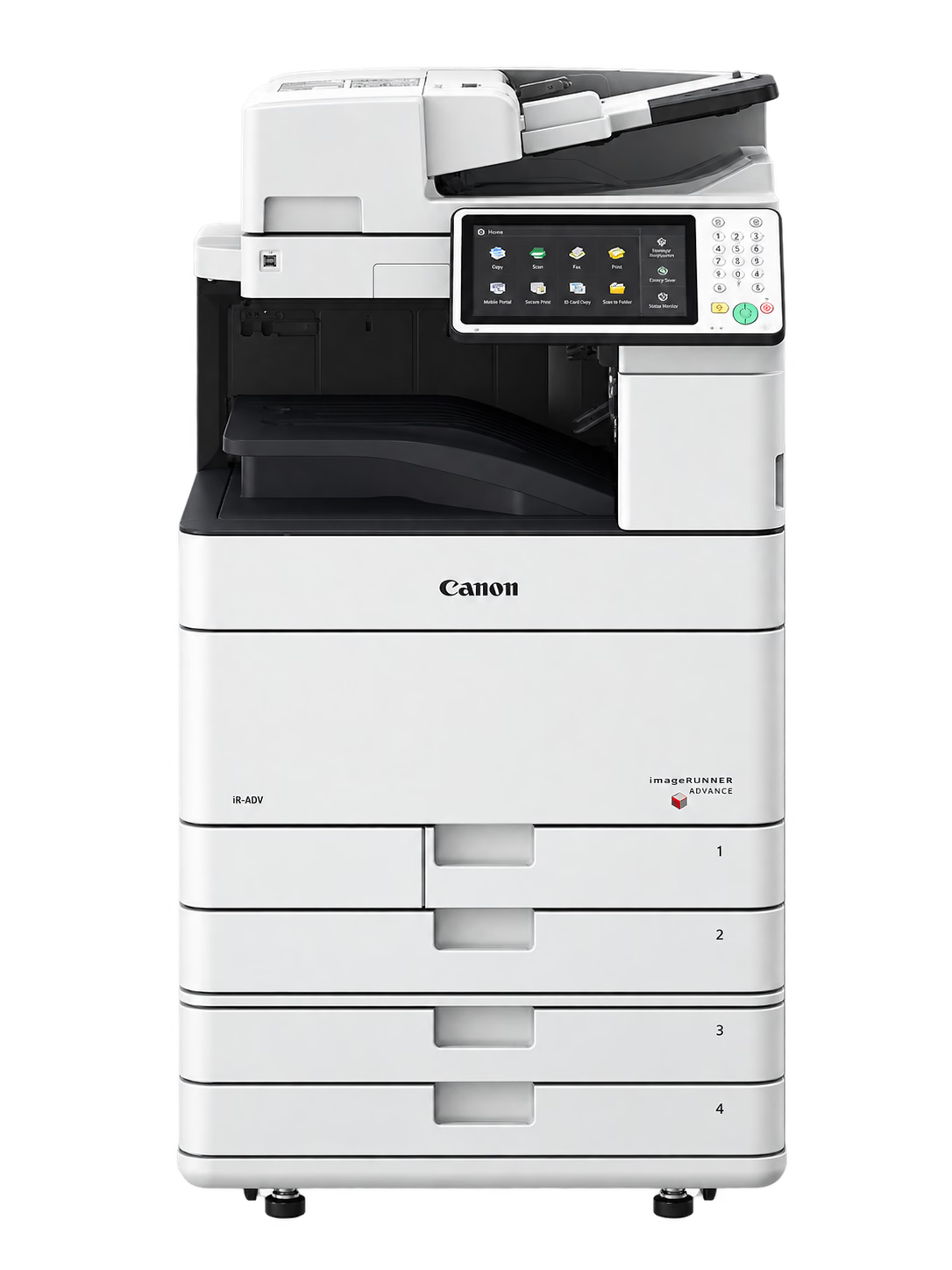
In modern paperless offices, multifunction copiers are used as much for scanning as they are for printing. High-speed 35 PPM and 50 PPM models typically include Single-Pass Dual Scan Document Feeders (SPDF) with dual optical sensor heads.
An SPDF scans both the front and back of a double-sided sheet simultaneously without mechanically flipping the paper, clocking scan speeds of up to 100 to 160 images per minute (IPM). For legal, accounting, and logistics teams digitizing archival boxes, feeder scan speed is often far more valuable than engine print speed.
What We See in Real Offices
Field observations across Klang Valley workplace deployments
- •In a busy legal firm, three associates sending 60-page court submissions simultaneously to a 20 PPM desktop printer created a 15-minute queue, delaying court departures. Upgrading to 35 PPM resolved the bottleneck.
- •Conversely, a digital marketing agency rented a 55 PPM production machine paying RM250/month, yet printed only 800 pages monthly. Downgrading to a 25 PPM machine cut their monthly cost by half with zero perceived delay.
- •Document scanner speed matters as much as print speed: modern 35 PPM machines feature single-pass duplex document feeders (SPDF) scanning up to 80–120 images per minute.
Copier Speed Comparison Matrix: 25 PPM vs. 35 PPM vs. 50 PPM
| Specification | 20 – 25 PPM Tier | 30 – 35 PPM Tier | 45 – 55 PPM Tier |
|---|---|---|---|
| Optimal Monthly Volume | 1,000 – 3,500 pages | 3,500 – 9,000 pages | 9,000 – 25,000+ pages |
| Recommended User Count | 1 to 10 users | 10 to 25 users | 25 to 60+ users |
| 50-Page Document Print Time | ~2 minutes | ~1 minute 25 seconds | ~1 minute flat |
| Typical Monthly Rental | RM 88 – RM 128 | RM 128 – RM 198 | RM 198 – RM 320+ |
| Feeder Scan Speed | 45 – 55 IPM (RADF) | 70 – 100 IPM (Dual Scan) | 120 – 200+ IPM (High Speed SPDF) |
| Best Commercial Fit | Startups, small agencies, retail | Mid-size SMEs, schools, HR/Finance | Logistics, legal firms, shared service centers |
Copier2u Recommendation
Do not buy or rent for your average daily volume—size your machine for your peak hours. If your staff frequently gather around the printer waiting for jobs or if your team prints large batch reports, step up to a 30–35 PPM model.
- ✓Audit how many pages your longest standard document contains.
- ✓Identify whether multiple users send print jobs at the same time (e.g., morning dispatch).
- ✓Consider scan feeder speed: fast scanners save hours when digitizing paper archives.
Power and Footprint in Malaysian Offices
Higher-speed machines (45–55+ PPM) have larger internal fusers and motors. While standard 25–35 PPM copiers plug into regular 13A wall outlets, heavy-duty production copiers require stable power feeds and occupy larger floor footprints with optional high-capacity paper decks.
Common Speed Sizing Errors
- ✕Assuming that a 50 PPM machine will print an individual 1-page document faster than a 25 PPM machine (First Page Out Time is nearly identical, ~5 to 7 seconds).
- ✕Overpaying for 50 PPM when your daily output consists of single-page invoices printed one at a time.
- ✕Ignoring Document Feeder (ADF) scan speeds when the office priority is paperless digital archiving.
Sources, References & Technical Standards
Copier2u Workload Sizing & Equipment Selection
Let our technical consultants analyze your monthly print records to recommend the exact PPM speed tier for your budget.
Frequently Asked Questions
Quick, verified answers based on real workplace support scenarios
Unsure Which Speed Tier Fits Your Office Workload?
Tell us how many users you have and what your busiest printing days look like. Copier2u will specify the optimal PPM machine tier.
Related Copier & Office Guides
Continue exploring workplace printing advice, cost breakdowns, and technical solutions.
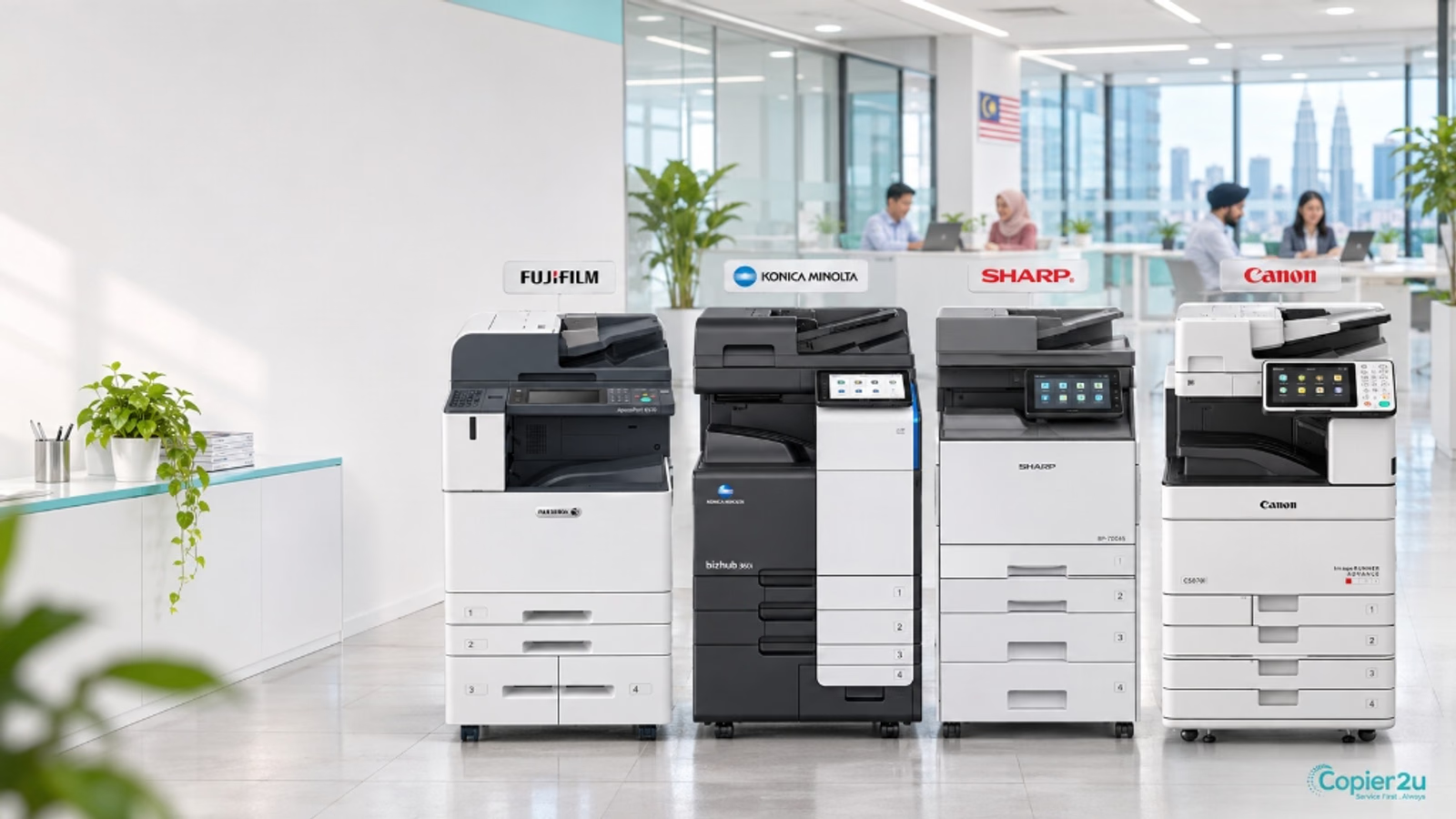
Which Copier Is Best for a Small Office? Canon, Konica Minolta, Ricoh or Fujifilm?
Comparing Canon, Konica Minolta, Ricoh, and Fujifilm copiers for small offices in Malaysia. Discover which brand offers the best reliability, speed, and value.

How Much Does Photocopier Rental Cost in Malaysia? RM88, RM98 & RM128 Plans Explained
Compare photocopier rental costs in Malaysia. Understand RM88, RM98 and RM128 packages, copy click rates, page allowances, and hidden costs to avoid.

Photocopier Rental in Kuala Lumpur, Selangor & Putrajaya: A Practical Guide for Businesses
A complete guide to photocopier rental in Kuala Lumpur, Selangor and Putrajaya. Learn package inclusions, delivery logistics, and how to pick the right machine.