
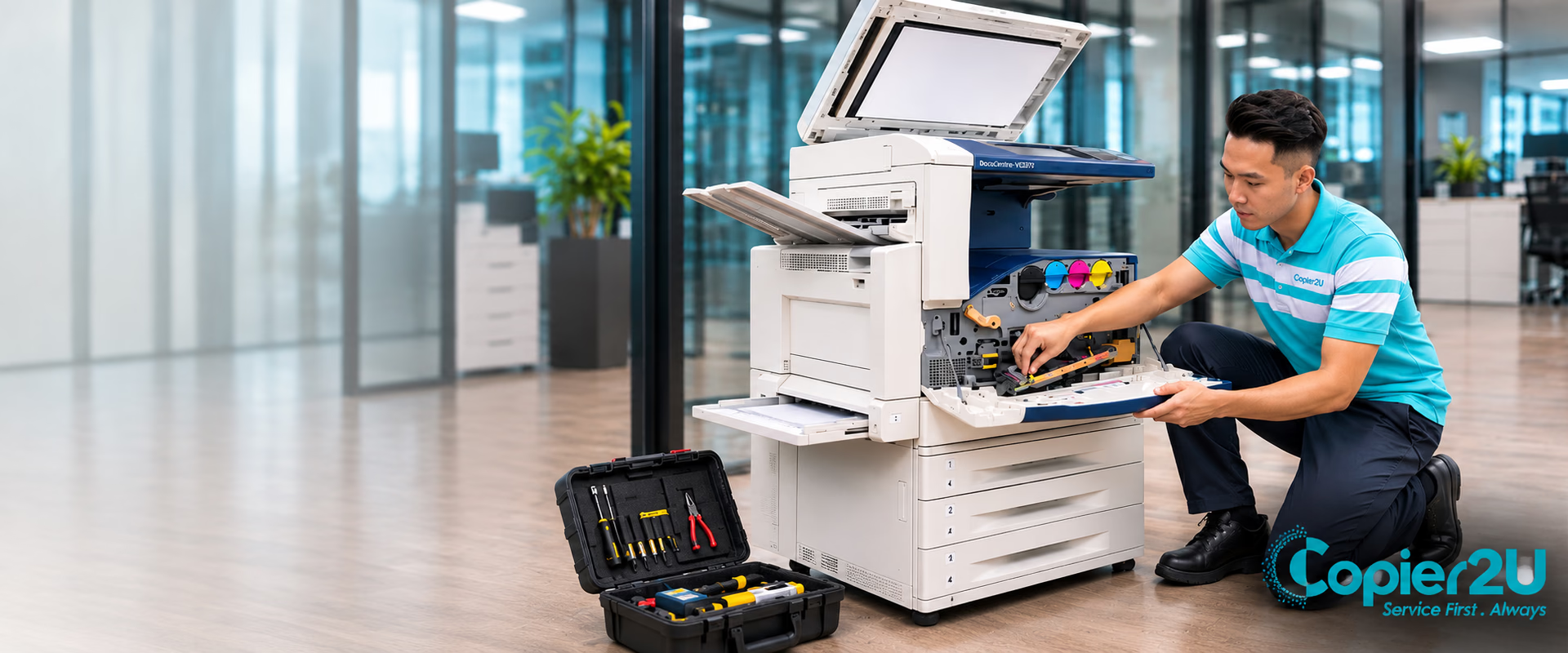
Photocopier Repair & Maintenance in KL, Selangor & Putrajaya
Fast, dependable troubleshooting and on-site repair for commercial office copiers. Backed by 26+ years of technician expertise supporting Canon, Konica Minolta, Fujifilm, and Sharp machines across Kuala Lumpur, Selangor and Putrajaya.
Supported Commercial Photocopier Brands
Troubleshooting & Technical Solutions
From persistent mechanical jams to complex network scanning failures, our field technicians have the specialized tools and parts to restore your machine quickly.
Frequent Paper Jams & Feeding Errors
Paper jamming before reaching the transfer belt or inside the fuser. Usually caused by glazed pickup rollers, sensor contamination, or paper tray guide misalignment.
Print Quality Defects & Lines
Vertical black or coloured streaks, background shading, repeating smudges, or faded printing across pages.
Network & SMB Scan Failures
Scanner fails to send files to shared network folders (Error code 753, 53, or 'Server Connection Failed') following IT changes or Windows updates.
Service Call & Error Codes
Machine locks up displaying manufacturer error codes (e.g. Canon E000-E020 fuser codes, Konica Minolta C-codes, or Fujifilm error codes).
Our 8-Step Copier Repair & Maintenance Workflow
A transparent, systematic repair methodology designed to minimize downtime for office copiers across Kuala Lumpur, Selangor, and Putrajaya.
Issue Reporting
Contact our Technical Helpdesk via WhatsApp (+60 17-373 3933) with machine model, error code, and fault description.
Remote Triage
Our support supervisor performs initial triage to identify whether the issue is paper-path obstruction, network config, or hardware fault.
Technician Scheduling
A field technician equipped with parts for your specific machine brand is scheduled and dispatched to your premises.
On-Site Diagnosis
Physical examination of rollers, transfer belt, laser scanner, fuser assembly, sensors, and power supplies.
Transparent Quotation
For customer-owned machines, we issue a clear itemized quotation for required parts and labour before beginning repairs.
Component Servicing
Replacement of worn components with genuine manufacturer parts, sensor optical cleaning, and internal lubrication.
Test Print Calibration
Running 50+ test prints across trays, duplex checking, colour registration alignment, and scan transmission verification.
Service Handover
Customer sign-off on the service ticket, maintenance report submission, and preventive care recommendations.
Photocopier Service Options
Choose between responsive ad-hoc repairs or worry-free scheduled maintenance contracts.
Ad-Hoc Repair Call
Ideal for offices experiencing an isolated breakdown, sudden error code, or paper feed issue on customer-owned copiers.
- ✓ On-site diagnosis by certified technician
- ✓ Upfront parts & labour quotation
- ✓ Full post-repair print test
Preventative Maintenance Contract
Ongoing service agreements for customer machines or existing fleets. Covers scheduled tune-ups, drum cleaning, and prioritized response.
- ✓ Scheduled monthly or quarterly inspections
- ✓ Priority queue for breakdown calls
- ✓ Reduced labour and parts pricing
Upgrade to All-Inclusive Rental
Tired of unpredictable repair bills on aging machines? Trade in your problematic copier for an all-inclusive rental from RM88/mo.
- ✓ 100% free toner, drum, parts & labour
- ✓ Free machine replacement if unfixable
- ✓ Predictable OPEX monthly billing
See What Our Customers Say
Read verified customer feedback about Copier2u's copier rental, delivery, installation and after-sales support experience across Kuala Lumpur, Selangor and Putrajaya.
Photocopier Repair FAQs
Need Immediate Copier Assistance?
Send our technical dispatch team a photo of your error code or print defect on WhatsApp. We will help you troubleshoot or dispatch a service technician to your office.