
Copier Toner & Spare Parts in Malaysia: When Should You Replace Them?
Understand copier consumable lifecycles in Malaysia: Toner bottles, imaging drums, developer, fusers, and rollers. Learn when to replace and how to avoid print defects.
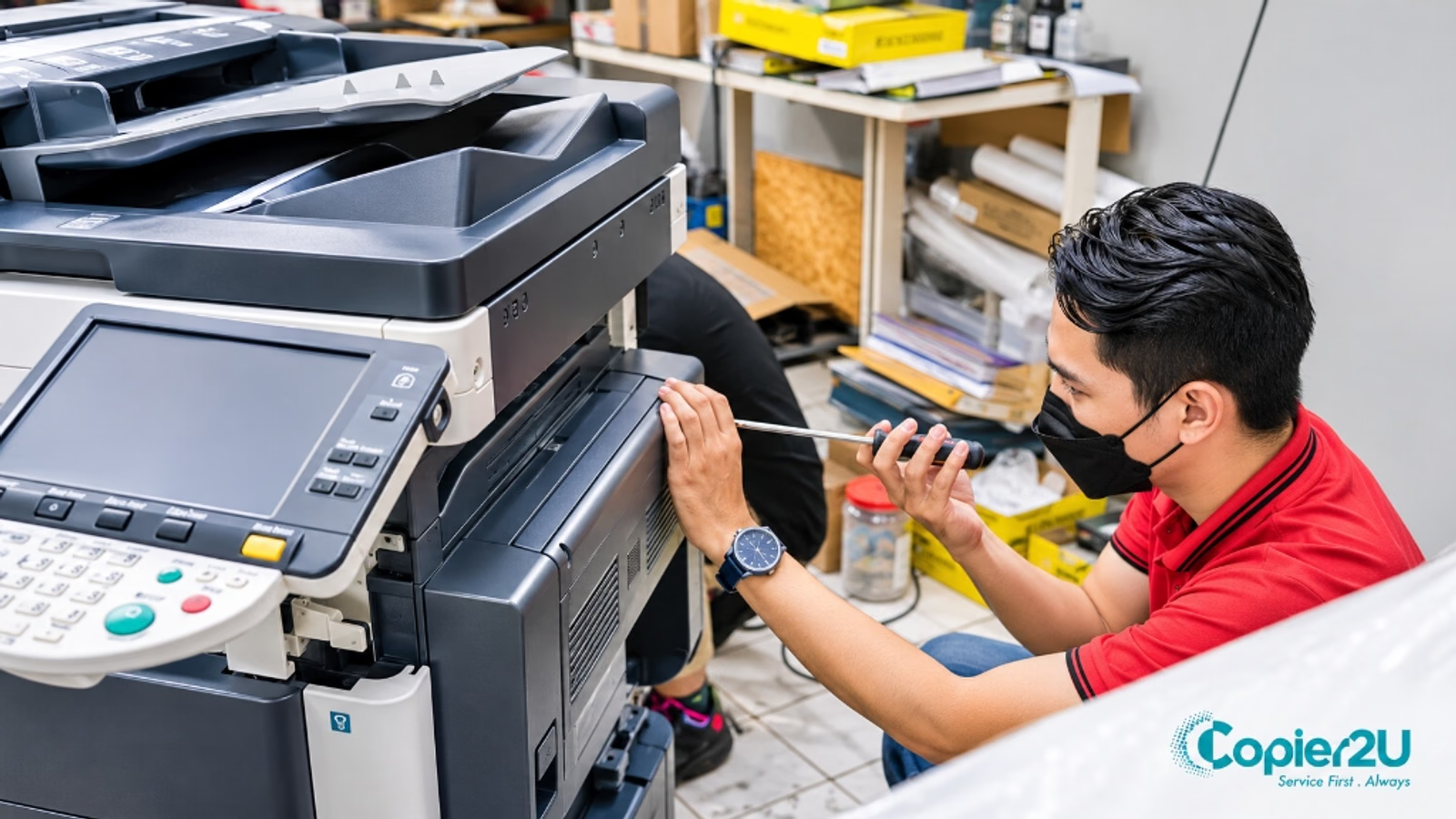
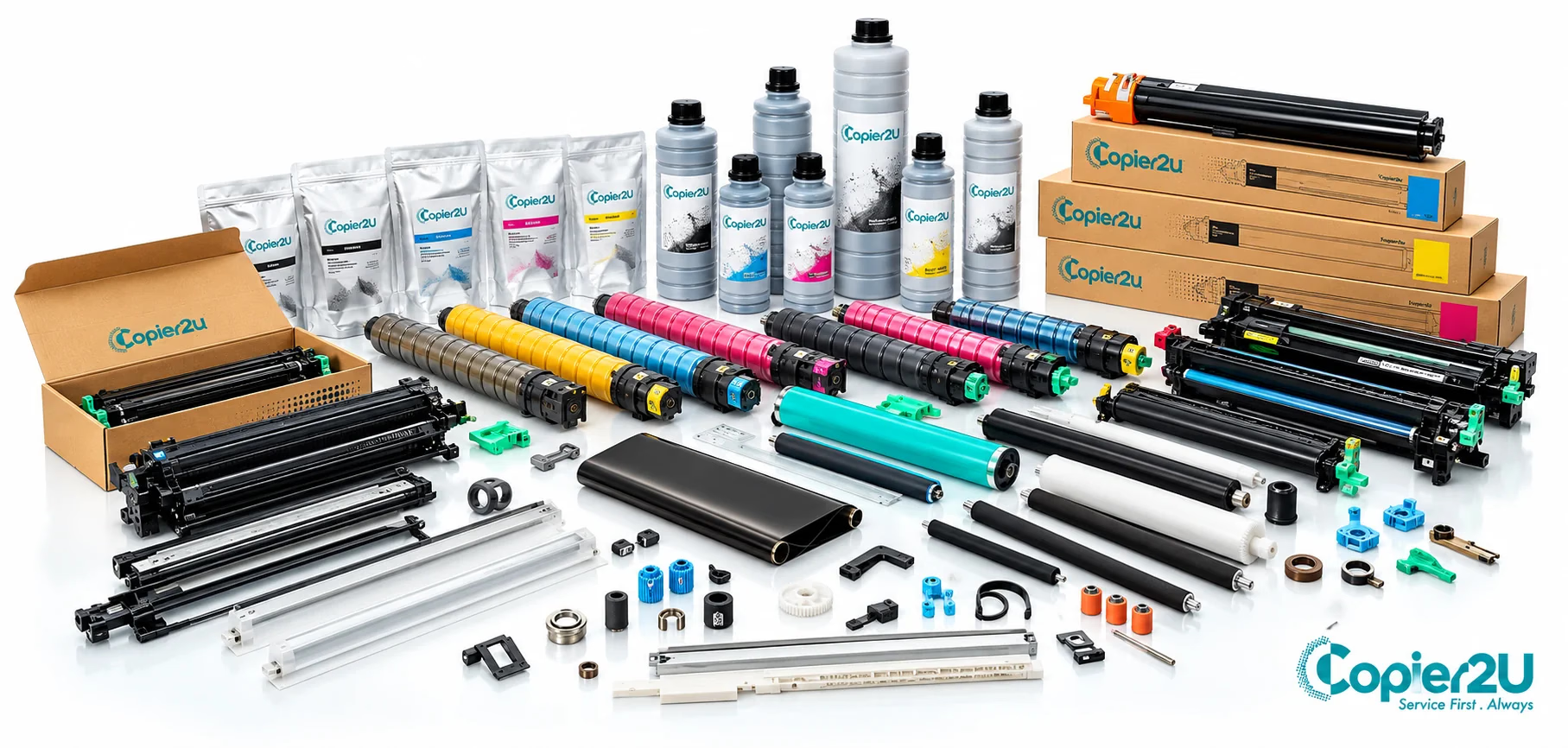
Copier consumables and spare parts must be replaced based on their rated page yield and visible wear symptoms. Toner cartridges are replaced when empty (typically every 10,000–30,000 pages); Imaging Drum Units (OPC) every 40,000–100,000 pages when streaks or haze appear; Rubber Paper Feed Rollers every 30,000–50,000 pages when paper misfeeds occur; and Fuser Units & Transfer Belts every 100,000–150,000 pages when paper creases or toner fails to fuse. Under a Copier2u rental agreement, all these parts are replaced proactively at no added cost.
Understanding How Key Copier Components Function
Unlike a desktop printer where replacing an all-in-one cartridge replaces almost everything, commercial A3 multifunction copiers utilize separated modular components. This modularity makes commercial printing significantly cheaper per page, but requires understanding how the different modules interact.
The Toner Cartridge simply holds the pigment reservoir. The Developer Unit magnetically charges the toner and presents it to the Photoreceptor (OPC) Drum. The Drum transfers the image onto the paper via the Transfer Belt. Finally, the Fuser Assembly uses high temperature and pressure rollers to permanently melt the toner resin into the cellulose paper fibers.
Because each module wears at a different rate, routine technician service ensures that components are replaced before their failure affects adjacent assemblies.
What We See in Real Offices
Field observations across Klang Valley workplace deployments
- •Offices purchasing cheap online 'compatible' toners frequently experience toner powder leakage inside the machine cavity, coating optical mirrors and shorting high-voltage bias contacts.
- •A commercial print shop in Subang Jaya doubled drum lifespan by strictly using high-grade 80gsm paper, proving that cheap abrasive dust-heavy paper wears out drum cylinders prematurely.
- •Contract rental clients never run out of toner because automated buffer stock is maintained on-site: when the second bottle is loaded, our delivery team automatically drops off the next backup.
Typical Commercial Copier Component Lifecycles
| Component | Estimated Yield | Function in Copier | Warning Signs of Failure |
|---|---|---|---|
| Toner Cartridge | 10,000 – 35,000 pages | Electrostatic pigment powder | Panel alert, faint prints, streaking |
| OPC Drum Unit | 40,000 – 120,000 pages | Transfers latent optical image | Vertical black lines, repetitive spots, gray background |
| Developer Powder | 80,000 – 150,000 pages | Carries toner to drum electrostatically | Hollow text, washed-out solid blacks, toner spray |
| Fuser Unit (Roller/Sleeve) | 100,000 – 200,000 pages | Melts toner into paper fibers (180°C) | Toner rubs off page, paper creasing, error codes |
| Pickup & Separation Rollers | 30,000 – 60,000 pages | Grips and separates single sheets | Paper jams at tray, multi-sheet feeding |
Copier2u Recommendation
Treat toner and spare parts as precision components, not generic commodities. Ensure toners are genuine or certified premium-grade, store backup cartridges horizontally in a cool, dry cabinet away from direct sunlight, and always replace paper feed rollers at the first sign of double-feeding.
- ✓Store unopened toner cartridges flat, not standing on end, to prevent powder clumping.
- ✓Never use sharp implements near the green or blue organic photoconductor drum.
- ✓If you rent your copier, notify your provider when your last backup toner bottle is opened.
Humidity & Climate Impact in Malaysia
Malaysia's tropical humidity (often exceeding 80%) significantly affects toner powder and paper storage. Humidity causes cheap copy paper to absorb moisture, leading to curl, jamming in hot fusers, and uneven electrostatic toner transfer. Storing paper in an air-conditioned room dramatically reduces service calls.
Costly Mistakes with Toners & Parts
- ✕Buying counterfeit toners that lack correct melting point resins, resulting in toner rubbing off the printed sheet.
- ✕Exposing a new drum unit to ambient room light for more than 5 minutes, permanently ruining its light-sensitive coating.
- ✕Attempting to wipe a scratched drum cylinder with alcohol or paper towels, stripping its protective charge layer.
Sources, References & Technical Standards
Copier2u Toner & Spare Parts Inventory
Access genuine and certified toners, drums, rollers, and replacement parts for Canon, Konica Minolta, Fujifilm, and Ricoh copiers with express Klang Valley delivery.
Frequently Asked Questions
Quick, verified answers based on real workplace support scenarios
Need Toners or Spare Parts for Your Office Copier?
Tell us your machine brand and model number. Copier2u supplies genuine toners, replacement drums, and maintenance parts across KL and Selangor.
Related Copier & Office Guides
Continue exploring workplace printing advice, cost breakdowns, and technical solutions.
7 Signs Your Office Photocopier Needs Service or Repair
Is your copier jamming frequently, leaving streaks, or making grinding noises? Learn the 7 key warning signs your office photocopier needs professional servicing.

What Is Included in a Photocopier Rental Package? Maintenance, Toner, Delivery & Support Explained
Discover exactly what is included in a commercial copier rental package in Malaysia. Learn about toner supply, preventive maintenance, parts, and SLA support.

How Much Does Photocopier Rental Cost in Malaysia? RM88, RM98 & RM128 Plans Explained
Compare photocopier rental costs in Malaysia. Understand RM88, RM98 and RM128 packages, copy click rates, page allowances, and hidden costs to avoid.