
7 Signs Your Office Photocopier Needs Service or Repair
Is your copier jamming frequently, leaving streaks, or making grinding noises? Learn the 7 key warning signs your office photocopier needs professional servicing.
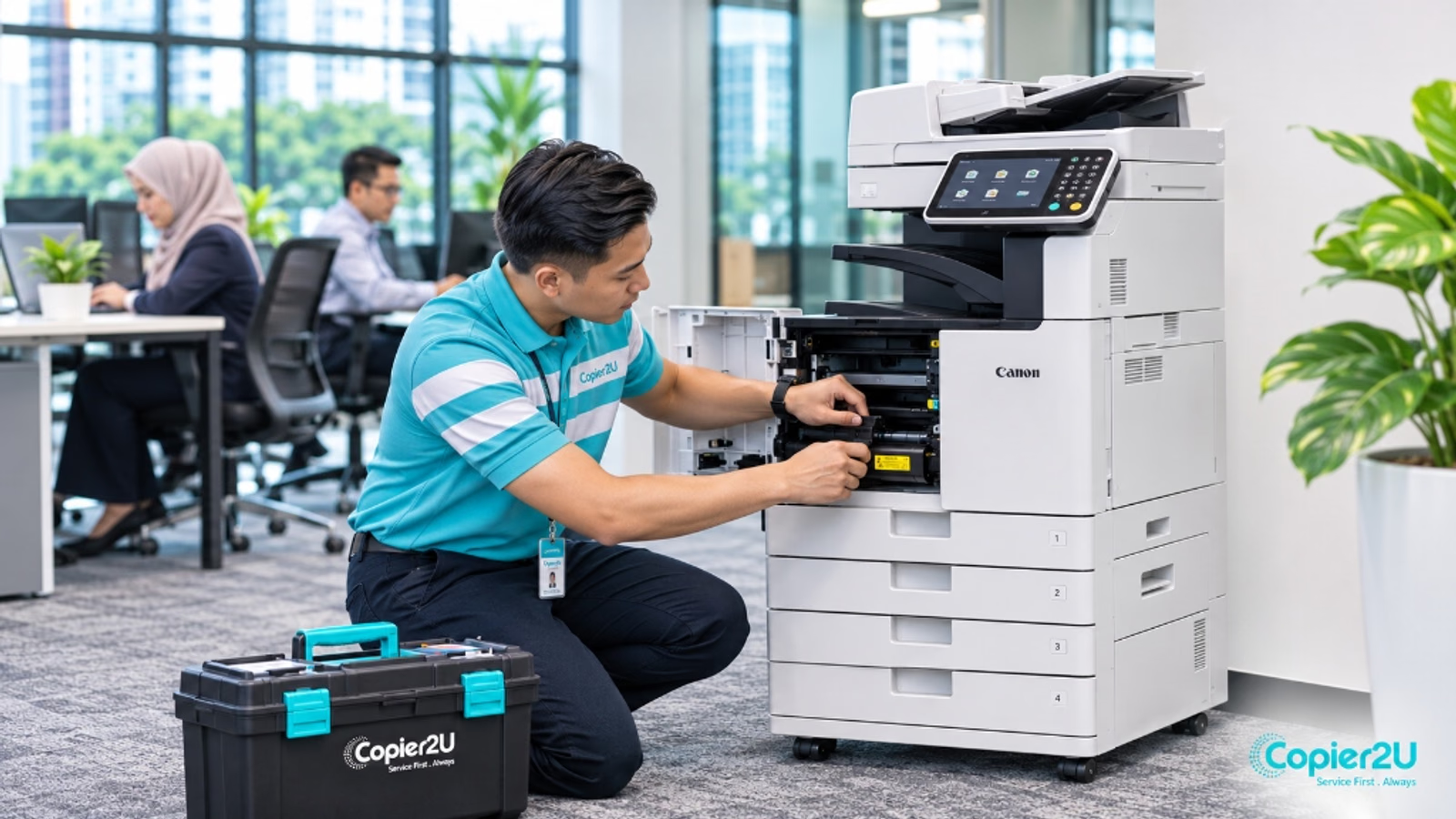
The 7 clearest warning signs that your office copier needs professional servicing are: (1) Frequent, recurring paper jams at the same tray or duplex unit; (2) Persistent vertical black lines or toner smudges across pages; (3) Unnatural grinding, squeaking, or clicking noises during operation; (4) Faded, washed-out text and patchy solid color fills; (5) Frequent system error codes (such as C-XXXX or E-code resets); (6) Wrinkled or creased paper outputs caused by fuser roller pressure defects; and (7) Slow warm-up times accompanied by burning electrical or ozone smells.
The 7 Key Warning Signs Explained in Detail
Sign 1: Recurring Paper Jams: If paper jams happen daily, your rubber pickup and feed rollers have likely accumulated paper dust or hardened from heat, losing the friction needed to feed sheets cleanly into the registration assembly.
Sign 2: Permanent Lines & Smudges: A thin black line running down the entire page almost always indicates a physical scratch on the photoconductor drum cylinder. Cleaning will not fix a gouged drum; the unit must be replaced.
Sign 3: Grinding or Squeaking Sounds: Copiers contain intricate gear trains, drive belts, and stepper motors. A grinding noise indicates a slipping gear or toner cartridge auger lock that requires immediate attention before motor burnout occurs.
Sign 4: Creased or Accordion Paper Output: If sheets emerge looking like an accordion, the paper has stalled in the fuser unit where heat (180°C+) and pressure bond the toner. Worn fuser sleeves must be replaced promptly to prevent fire safety trips.
Sign 5: Repetitive Error Codes: While an occasional reboot can clear a transient power surge, codes that re-appear upon warm-up indicate genuine component failure (such as thermistor faults or polygon motor stalls).
Sign 6: Faded or Uneven Print Density: When text appears faded on one half of the page, the transfer belt or optical laser slit glass is clouded with stray toner dust.
Sign 7: Ozone or Burning Odor: While slight heat is normal during long runs, an acrid burning smell suggests overheated electrical wiring, paper trapped against heating elements, or high-voltage corona arcing.
What We See in Real Offices
Field observations across Klang Valley workplace deployments
- •Office staff often try to pull jammed paper backward against the feed direction, tearing scraps inside the internal sensors and turning a 2-minute fix into a 2-hour sensor overhaul.
- •Using cheap third-party non-OEM refilled toner frequently leads to background toner dusting and leaking developer units that contaminate internal laser mirrors.
- •Clients who schedule regular 60-day preventive checkups experience over 80% fewer sudden breakdown incidents during critical month-end closing periods.
Copier Symptoms vs. Probable Root Causes & Remediation
| Symptom Observed | Probable Root Cause | Action Required |
|---|---|---|
| Repetitive vertical black line | Scratched OPC drum or cleaning blade nick | Replace imaging drum unit |
| Paper jams at Tray 1 entry | Worn or glazed rubber pickup roller | Clean or replace rubber roller set |
| Wrinkled / Accordion-folded paper | Damaged fuser pressure sleeve or temperature sensor | Inspect and service fuser assembly |
| Random system freeze / Error C-XXXX | HDD sector corruption or main board fault | Service mode trouble reset / HDD check |
| Light, washed-out text overall | Depleted developer charge or laser glass dust | Optical laser cleaning & developer refresh |
Copier2u Recommendation
Never ignore recurring minor print blemishes or unusual mechanical noises. If your copier requires a reboot more than twice a week to clear system faults, request a professional diagnostic visit before secondary components fail.
- ✓Always pull jammed paper gently in the direction of the paper path—never pull backward.
- ✓Note down the exact error code (e.g. C-224, C-3821, E000) displayed on the touch panel.
- ✓Check our online Technical Support Library for self-clearing restart procedures before calling.
Technician Dispatch Protocol across Klang Valley
When our support desk receives a breakdown report with an exact error code, our dispatchers ensure the attending technician carries the specific replacement part (such as a fuser unit or drum motor) in their service vehicle, enabling same-visit resolution across KL and Selangor.
Common Customer Mistakes During Breakdowns
- ✕Using sharp scissors or pens to dig out stuck paper, which permanently gouges the expensive teflon fuser heat roller.
- ✕Leaving the machine running while it produces an audible grinding sound, stripping internal plastic drive gears.
- ✕Applying commercial glass cleaners directly onto the scanner platen, allowing liquid to seep into the internal optical sensors.
Sources, References & Technical Standards
Copier2u Emergency Repair & Maintenance Service
Fast on-site diagnostic servicing and preventive maintenance for Canon, Konica Minolta, Fujifilm, and Ricoh copiers across Klang Valley.
Frequently Asked Questions
Quick, verified answers based on real workplace support scenarios
Is Your Office Copier Showing These Warning Signs?
Send our service desk a photo of the print defect or the error code displayed on your screen. A certified technician will advise the fastest fix.
Related Copier & Office Guides
Continue exploring workplace printing advice, cost breakdowns, and technical solutions.
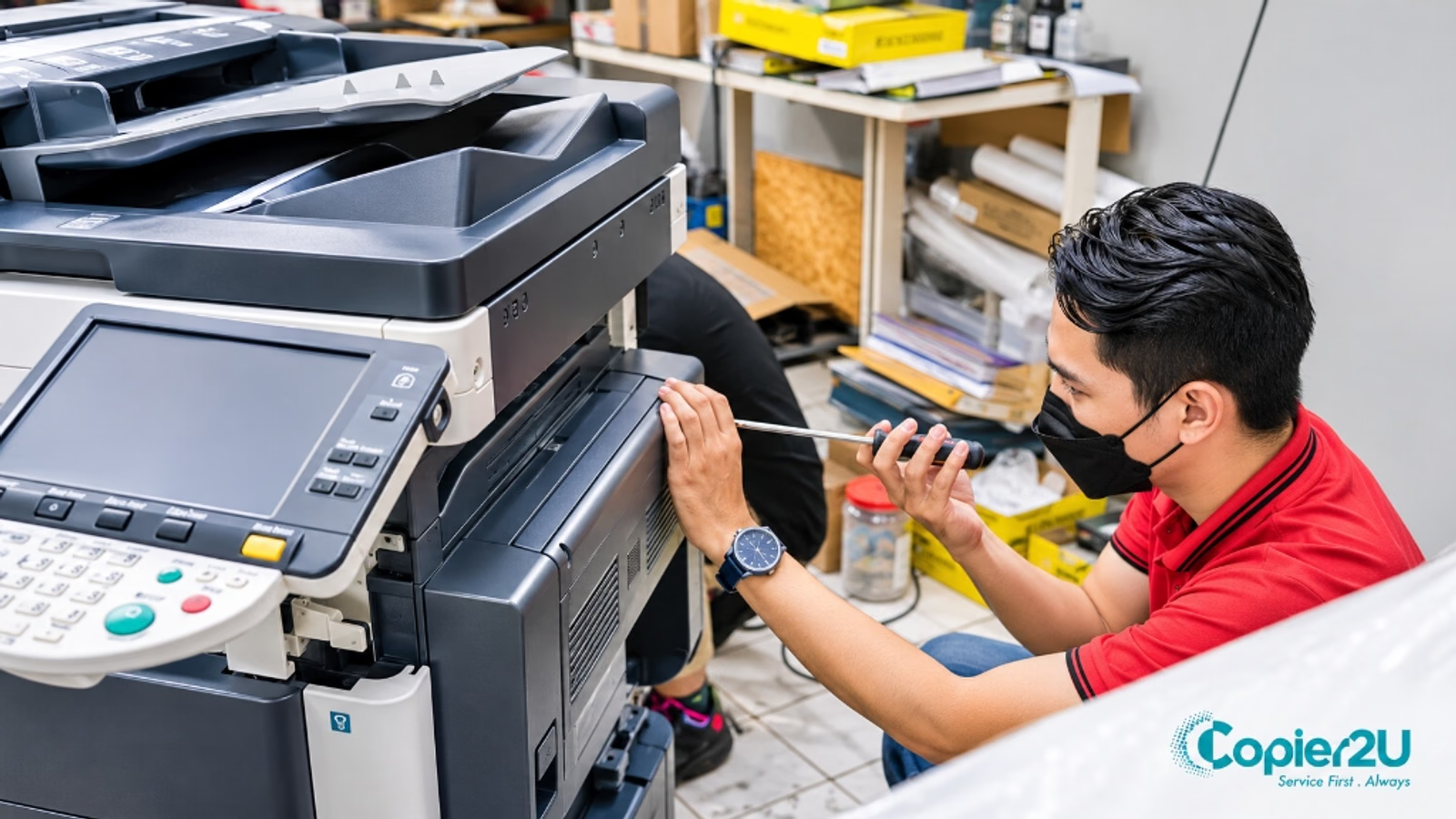
Copier Toner & Spare Parts in Malaysia: When Should You Replace Them?
Understand copier consumable lifecycles in Malaysia: Toner bottles, imaging drums, developer, fusers, and rollers. Learn when to replace and how to avoid print defects.
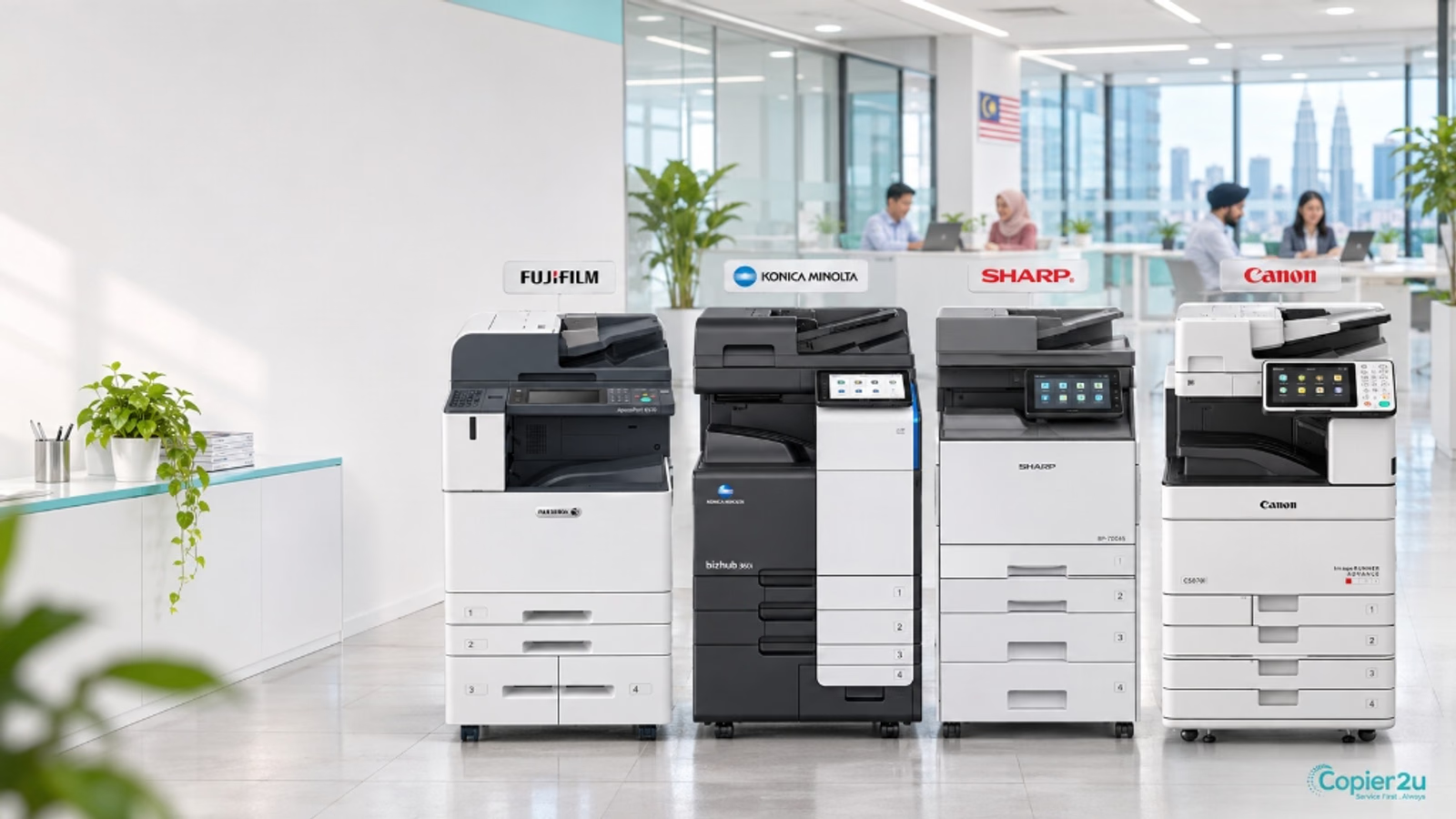
Which Copier Is Best for a Small Office? Canon, Konica Minolta, Ricoh or Fujifilm?
Comparing Canon, Konica Minolta, Ricoh, and Fujifilm copiers for small offices in Malaysia. Discover which brand offers the best reliability, speed, and value.

How Much Does Photocopier Rental Cost in Malaysia? RM88, RM98 & RM128 Plans Explained
Compare photocopier rental costs in Malaysia. Understand RM88, RM98 and RM128 packages, copy click rates, page allowances, and hidden costs to avoid.