
Moving Office? How to Prepare Your Copier for the Move
Moving your office? Learn how to coordinate copier relocation, building access, network setup and post-installation testing with this practical office moving checklist.
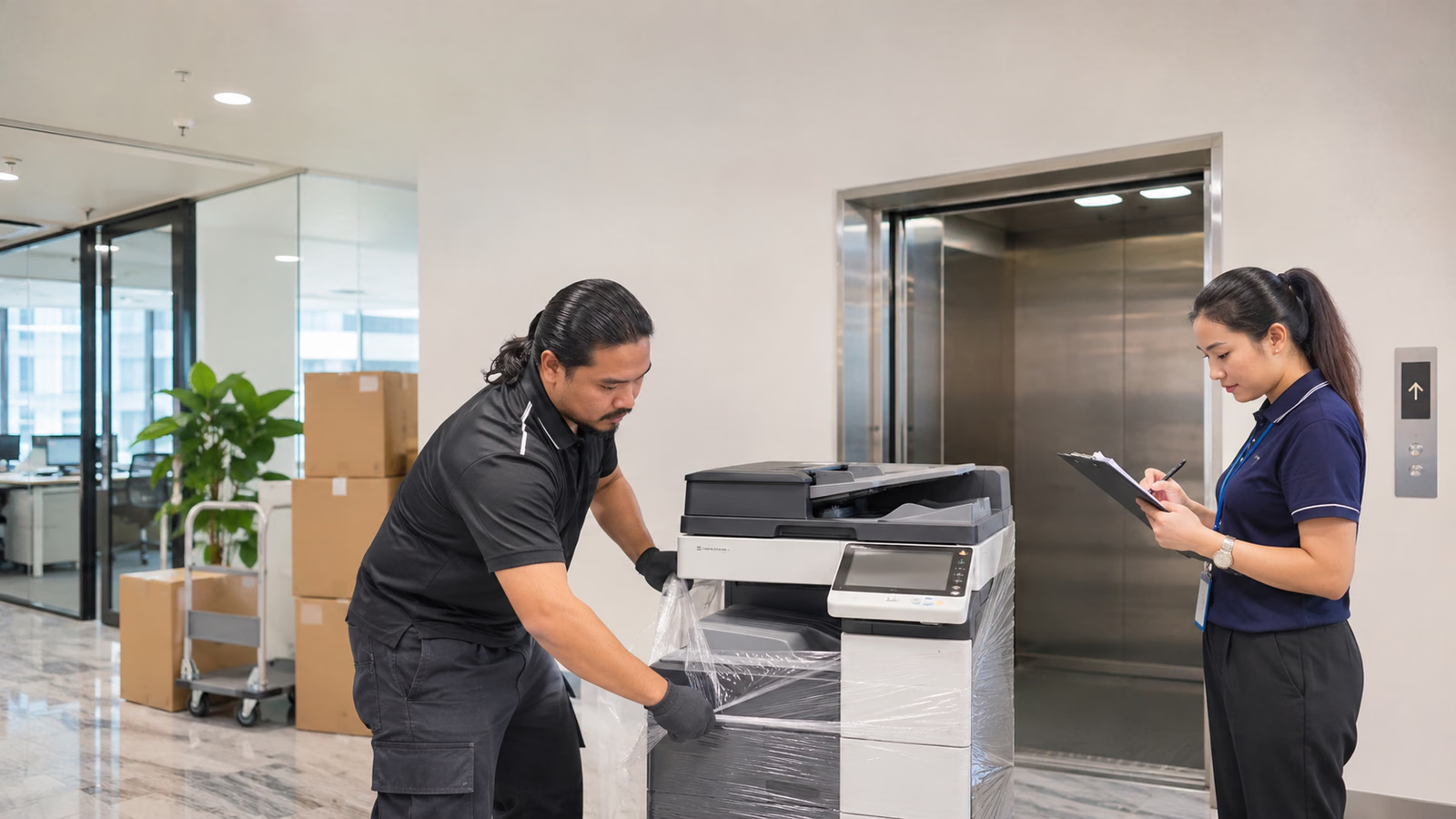
Plan the copier move with your building management, IT team and copier supplier before moving day. This helps avoid delays with loading access, lift bookings, network setup and scanning functions at the new office.
A copier may look like another office machine, but it can be heavy and connected to staff computers, shared folders and email systems. Arrange for qualified technicians to handle the relocation and setup.
1. Before the Move: Confirm the Details
Advance Information to Share with Your Copier Supplier
Once your moving date is confirmed, share the following details with your copier supplier: current office address and new address, moving date and preferred time, copier model and quantity, whether the copier is rented or owned, new office floor, loading bay and lift access details, and the main contact person at both locations.
Check with the building management at both properties about loading bay access, service lift bookings, move-in permits, and any required floor protection for common areas. In high-rise commercial buildings across Kuala Lumpur, Petaling Jaya, and Putrajaya, property management often mandates 3 to 7 days advance notice for service lift reservations.
- Current office address and new destination address
- Moving date and preferred time window
- Copier brand, model, and quantity of machines
- Whether the copier is rented under an active lease or owned outright
- New office floor number, loading bay ceiling height, and service lift dimensions
- Designated on-site contact persons with phone numbers at both premises
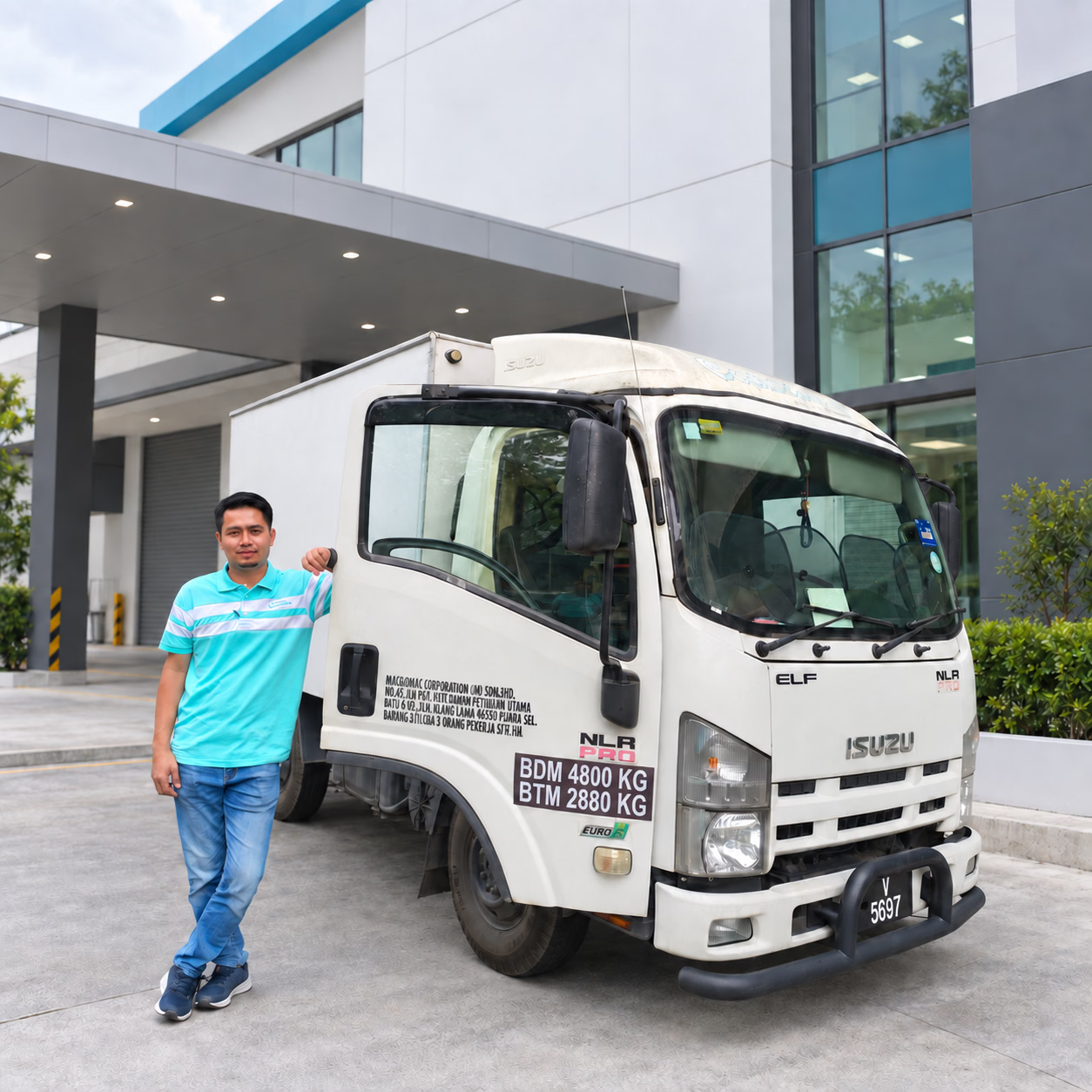
Office Copier Relocation — Step by Step
Relocating an office photocopier requires seamless coordination between building management, your IT department, and technical logistics. Follow these six progressive stages for zero downtime.
Plan the Relocation
Confirm the moving date, machine brand and model, old and new addresses, and check whether your rental agreement specifies relocation terms.
- ✓Confirm target moving date and time window
- ✓Record machine model, serial number, and meter reading
- ✓Check rental agreement relocation conditions with Copier2u
Coordinate Building Access
Commercial high-rises in KL and Selangor require advance notification, service lift reservations, loading bay permits, and floor protection.
- ✓Book the service lift at both old and new premises
- ✓Obtain building move-in and move-out security permits
- ✓Check loading dock ceiling height and ramp clearance
Prepare the New Office Space
Ensure the destination workspace is fully prepared for physical installation and IT connectivity before equipment arrival.
- ✓Verify dedicated 13A wall outlet (avoid multi-plug extensions)
- ✓Confirm active RJ-45 LAN wall port near copier placement
- ✓Plan router IP range and static IP assignment with your IT team
Professional Relocation
Qualified technicians safely prepare the machine, lock optical components, and transport the heavy unit using appropriate hydraulic tail lifts.
- ✓Remove all loose paper from trays and scanner platen
- ✓Professional exterior wrapping to protect panels from scratches
- ✓Never dismantle imaging drums or internal parts independently
Reinstallation & Network Setup
The copier is leveled on a stable floor surface, powered up safely, and integrated into the new office local area network (LAN).
- ✓Chassis leveling and mechanical paper path inspection
- ✓Configure new office IP address, subnet mask, and gateway
- ✓Update scan-to-folder (SMB) destinations and SMTP email servers
Testing and Handover
Perform end-to-end testing with staff members from different departments before full office operations resume.
- ✓Test mono and colour printouts from multiple staff laptops
- ✓Verify 2-sided duplex document scanning and feeder alignment
- ✓Check paper cassette sizes (A4/A3) and department access codes
2. Ask Your IT Team to Check the New Office Setup
Essential Infrastructure Before Equipment Delivery
Before the copier arrives at your new office, ask your IT team or network service provider to confirm key infrastructure requirements: where the copier will be physically placed, whether an active network wall port is available nearby, the network or static IP settings required, how staff will print from their computers, where scanned documents should be sent, and whether existing scan-to-email or shared-folder settings need updating.
If your company is changing its internet service provider (ISP), router, or local subnet range (e.g. moving from 192.168.1.x to 10.0.0.x), notify the copier technician before installation. Multifunction copiers rely on accurate IP and DNS configurations to print and scan properly. Check our Support Centre for verified network and printer driver guides.
- Physical Placement: Level floor surface with adequate ventilation around heat exhaust vents.
- Power Socket: Dedicated 13A / 240V wall socket within reach without extension cords.
- Network Port: Tested RJ-45 Ethernet wall port connected to the office switch or router.
- IP Configuration: Assigned static IP address outside the router's automatic DHCP pool.
- Scan Destinations: Updated UNC paths for SMB shared folders and SMTP relay credentials for scan-to-email.
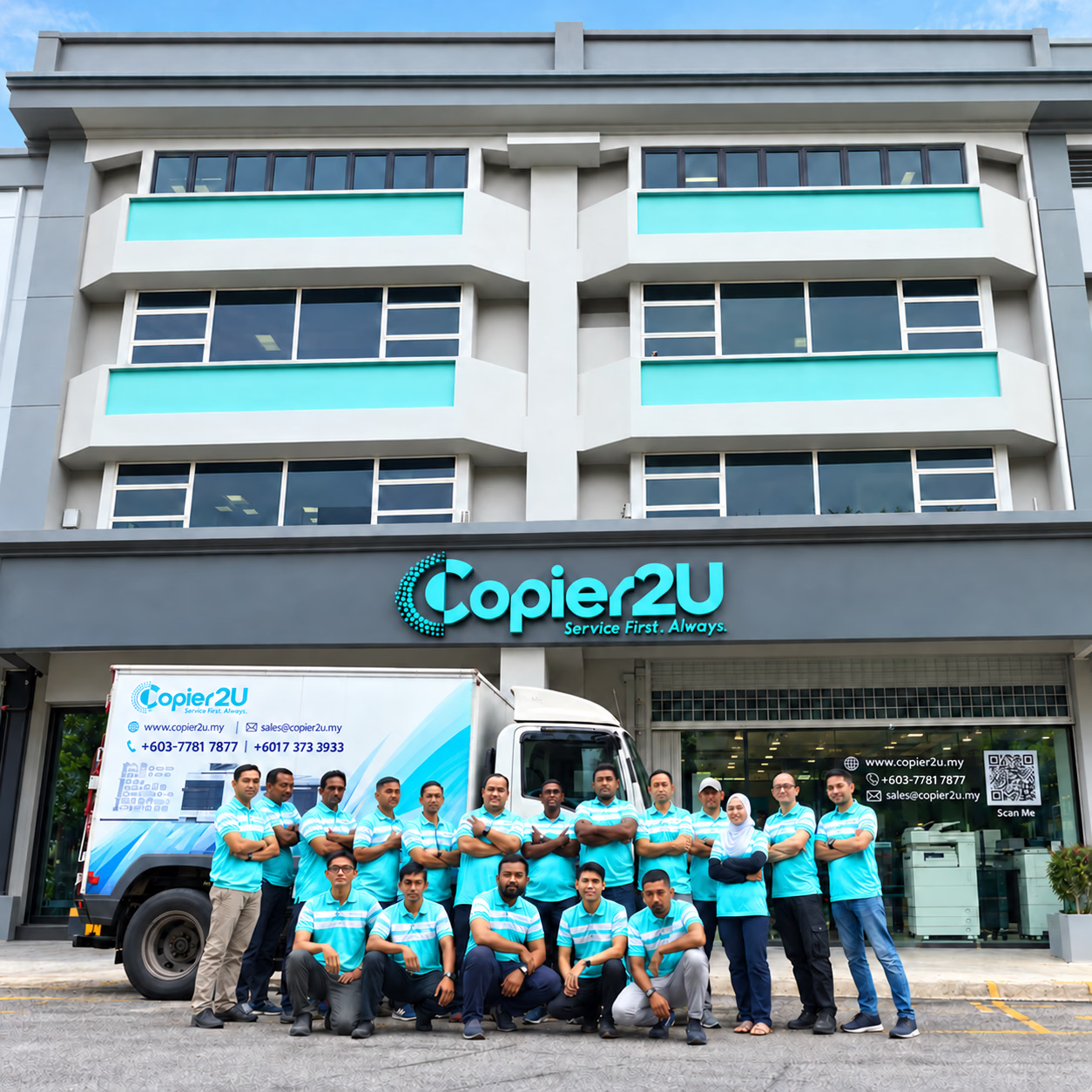
Moving Office? Check Your Copier Requirements First
Take our 2-minute Smart Copier Assessment to check whether your current machine meets your new office space and workload, or arrange relocation assistance.
3. Back Up Important Settings and Records
Preserving Network Destinations, Address Books, and Contract Meters
Before moving day, keep a secure record of essential machine configurations, including scan destinations, speed-dial address books, department billing codes, and current meter readings. Your IT team or copier supplier can advise which address books can be exported or backed up.
For a rented machine, always check with your copier supplier before arranging transport yourself. Most commercial photocopier rental packages contain specific clauses outlining relocation procedures to protect warranties and ensure machine calibration.
4. On Moving Day: Moving Checklist & Safety Precautions
Safe Handling and Strict Technical Precautions
On moving day, keep the copier easily accessible until the agreed technical collection time. Remove any loose paper from trays, clear original sheets from the feeder, and remove personal items from the scanner platen glass.
Crucially, do not disconnect internal parts, remove toner drums, or attempt to dismantle the machine yourself. Commercial multifunction copiers weigh between 70 kg and 140 kg and contain delicate optical mirrors, laser scanners, and calibrated fusers. Professional movers equipped with hydraulic tail-lift lorries, stair-climbing dollies, and protective shrink-wrap should handle physical transport.
- Keep the copier accessible and powered down before collection.
- Empty all paper drawers to reduce weight and prevent paper jams during transit.
- Never remove internal components such as imaging drums or developer units independently.
- Ensure the loading bay and service lift are unlocked and free of obstructions.
- Confirm the receiving coordinator's presence at the new office location.
- Keep the technician's direct contact number handy in case building security requests verification.
COPIER2U — Office Copier Relocation Checklist
www.copier2u.my • Customer Service: +60 17-373 3933 • Sales: +60 19-263 0988
Are You Ready to Move Your Office Copier?
Use this comprehensive 25-point checklist to track logistics, building permits, and IT reinstallation.
Group A — Before Moving Day
Advance contractual and scheduling arrangements with all parties.
Group B — Building & Logistics Preparation
Security clearances and heavy equipment access at both buildings.
Group C — IT & Network Connectivity
Power, network infrastructure, and address book preservation.
Group D — After Installation Testing
Functional verification before normal business operations resume.
Notice: This checklist is an operational planning aid provided by Copier2u. Commercial multifunction copiers must be handled, transported, and reinstalled by qualified technicians according to manufacturer safety guidelines.
5. After Installation: Test Before Staff Return to Normal Work
Comprehensive Verification Checklist for Peace of Mind
Once the copier is positioned, leveled, and connected at your new office, test all routine functions before normal staff work resumes: send test prints from staff computers, make copies in colour and black-and-white, test scan-to-email and scan-to-folder, check automatic double-sided (duplex) feeding, confirm paper cassette sizes, and reconnect department billing codes.
We recommend asking a few staff members from different departments (e.g. Finance, HR, and Sales) to test printing and scanning from their respective workstations. This reveals any subnet firewall or permission errors before the office becomes fully operational. If you encounter driver issues, consult our printer drivers support guides.
6. Moving Office in Kuala Lumpur or Selangor?
Reliable Support Across the Klang Valley
Copier2u provides commercial copier rental, maintenance, and technical support across Kuala Lumpur, Selangor, and Putrajaya. Contact our team early with your moving date, old and new addresses, machine model, and building access requirements so relocation logistics can be planned smoothly.
Explore our flexible rental plans if your office relocation also presents an opportunity to upgrade to high-speed multifunction equipment tailored for your new workspace.
Moving a Rented Photocopier?
If your copier is rented, contact your supplier before arranging transport or reinstallation. Your rental agreement may specify relocation responsibilities, service coverage, approved locations, and applicable charges. Do not arrange unauthorized third-party moving that could void your maintenance warranty.
How to Reach Us for Your Office Move
To ensure swift scheduling and the right technical logistics, select whether you are an existing Copier2u rental client or inquiring about a general commercial machine move.
Customer Service & Technical Helpdesk
If your copier is currently rented from Copier2u, our dedicated support team will check your rental agreement clauses, assign factory-trained technicians, and coordinate lift/transport schedules.
Sales & Relocation Consultancy
Planning an office move and need guidance on machine compatibility, technical reinstallation, or evaluating whether to upgrade to a fresh rental package for your new workspace.
*Direct relocation and technical transport services are available within Kuala Lumpur, Selangor, and Putrajaya. Quotation and acceptance depend on building access, machine model, and technician availability.
Moving Office Is Also a Good Time to Review Your Copier Requirements
If your team size, monthly print volume, or new office layout is changing, consider whether your existing machine still fits your workflow. You can easily upgrade speed tiers or transition to an all-inclusive rental package starting from RM88/month.
What We See in Real Office Moves
Field observations across Klang Valley workplace deployments
- •A corporate client in Bangsar South moved during a weekend without booking the service lift in advance. Building management denied loading dock access on Saturday morning, delaying copier installation until Monday afternoon.
- •An accounting firm changed internet service providers during their relocation to Petaling Jaya. Because the new router used a different IP subnet, scan-to-folder broke until a Copier2u technician reconfigured the machine's static IP and SMB paths.
- •A company used standard furniture movers who tilted an A3 copier horizontally in a van, causing waste toner to spill across the laser mirrors and optical glass. Professional upright transport prevents costly repair downtime.
Copier2u Recommendation: Sizing & Move Coordination
Treat your office photocopier as a core IT network hub rather than ordinary office furniture. Engage your copier provider at least 10 business days before moving day, coordinate service lift slots with building management, and test all scanning functions before your team returns to work.
- ✓Book service lifts and loading bays at both premises at least 7 days ahead.
- ✓Record your copier's current IP address, scan destination folders, and meter readings.
- ✓Do not dismantle internal components; let certified technicians secure the machine.
- ✓Verify static IP, DNS, and subnet settings on the new office router before delivery.
Local Building Regulations Across KL, Selangor & Putrajaya
Commercial property management rules vary significantly across business districts:
Common Relocation Mistakes to Avoid
- ✕Attempting to dismantle imaging drums, transfer belts, or developer units without technician tools.
- ✕Forgetting to check the new office router's IP range, resulting in 'Printer Offline' status on staff laptops.
- ✕Transporting the copier on its side or in an open pickup truck exposed to tropical rain or heat.
- ✕Failing to reserve the service lift, leaving heavy equipment stuck on the ground floor loading bay.
Moving Office in Kuala Lumpur or Selangor?
Copier2u provides commercial copier rental, maintenance, and technical moving support across Kuala Lumpur, Selangor, and Putrajaya. Contact us early with your moving date and address details.
Frequently Asked Questions
Quick, verified answers based on real workplace support scenarios
Sources, References & Technical Standards
Copier2u Office Relocation & Technical Logistics
Let our certified engineers safely dismantle, transport, and re-commission your office multifunction copiers with zero operational disruption.
Related Copier & Office Guides
Continue exploring workplace printing advice, cost breakdowns, and technical solutions.
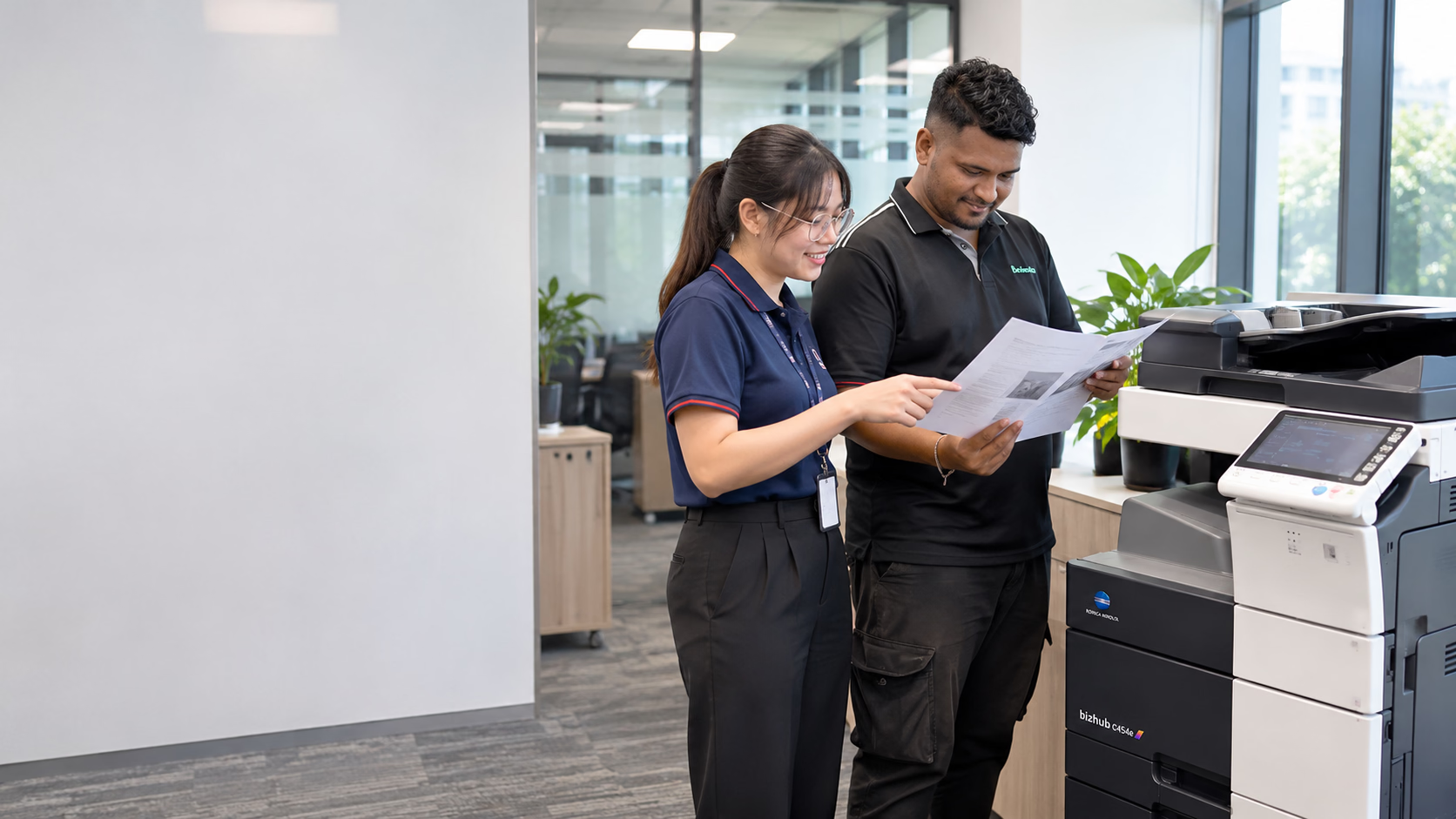
What Is the Difference Between Copier Rental Plans at RM88, RM98 and RM128 a Month?
Comparing copier rental plans in Malaysia? See what to check beyond the monthly price, including print volume, toner, servicing and support across Kuala Lumpur, Selangor and Putrajaya.
How to Choose the Right Copier Speed for Your Office
Choosing a copier for your office? Use monthly print volume, busy periods, colour needs and scanning requirements to find the right speed across Kuala Lumpur, Selangor and Putrajaya.

Should Your Malaysian Office Rent or Buy a Photocopier?
Should your office rent or buy a photocopier? Compare upfront costs, monthly rental commitments, consumables, maintenance and long-term equipment needs before deciding.